
07 Aug
20 Comment(s)
34493 View(s)
How to install the software needed for the OBD cable J2534 for TOYOTA Diagnostics with Tango?
- Go to https://auto-keys.eu/.
- Click on the "Download" section.
- From section "Tango" choose "Tactrix installation file" to download the software.
- Save the file on your computer and start the file when the download is complete.
- Follow the installation instructions and finish the installation.
- Open Your Computer >> Manage(right click on "Your Computer" and choose "Manage").
- Go to the device menager
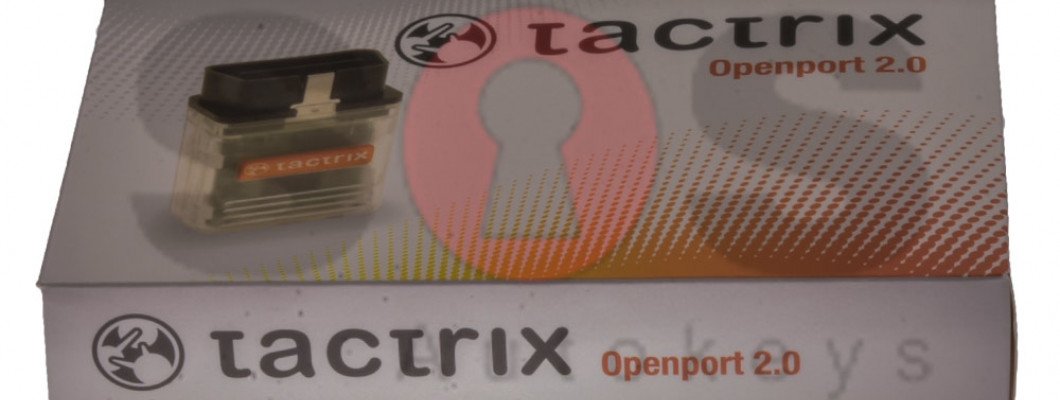
- Go to Vihicle PassThru Interfaces and double click on the "Tactrix Openport 2.0"
- If the installation was successful on the "Device status" section, there should be written "This device is working properly".
2357 Comment(s)
Just what I was searching for, thank you for putting up.
Way cool! Some very valid points! I appreciate you writing this write-up and also the rest of the site is also very good.
There's certainly a lot to learn about this subject. I really like all the points you've made.
These are really impressive ideas in concerning blogging. You have touched some pleasant things here. Any way keep up wrinting.
There's certainly a great deal to find out about this subject. I like all the points you've made.
I am sure this piece of writing has touched all the internet users, its really really pleasant post on building up new website.
I am sure this paragraph has touched all the internet visitors, its really really good paragraph on building up new weblog.
I all the time emailed this blog post page to all my associates, for the reason that if like to read it next my friends will too.
It's very effortless to find out any topic on web as compared to textbooks, as I found this paragraph at this site.
Thanks for sharing your info. I truly appreciate your efforts and I will be waiting for your next write ups thank you once again.
I like what you guys are usually up too. This sort of clever work and coverage! Keep up the fantastic works guys I've added you guys to our blogroll.
Excellent site you've got here.. It's difficult to find high quality writing like yours these days. I seriously appreciate individuals like you! Take care!!
Ahaa, its good discussion about this paragraph here at this webpage, I have read all that, so now me also commenting here.
Greetings! I've been following your web site for a while now and finally got the bravery to go ahead and give you a shout out from Atascocita Texas! Just wanted to say keep up the great work!
There is definately a great deal to know about this issue. I really like all of the points you've made.
Ahaa, its fastidious conversation about this post here at this blog, I have read all that, so now me also commenting here.
Setting up your crypto wallet through Trezor.io/start is simple and secure. The step-by-step guide helps users quickly initialize their device and protect digital assets. With strong offline security, easy backup options, and a beginner-friendly interface, Trezor offers peace of mind for both new and experienced crypto holders.
Whoa! This blog looks just like my old one! It's on a entirely different subject but it has pretty much the same layout and design. Wonderful choice of colors!
Way cool! Some very valid points! I appreciate you writing this article plus the rest of the website is very good.
Thank you for the auspicious writeup. It in fact was a amusement account it. Look advanced to far added agreeable from you! By the way, how can we communicate?
Leave a Comment